
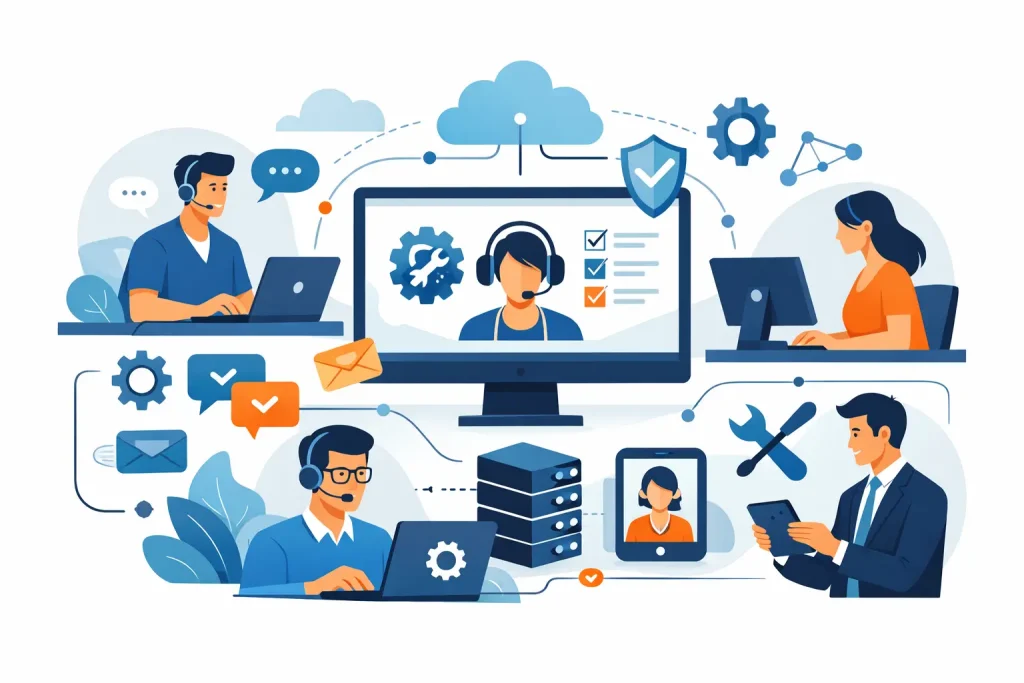
When a member of staff cannot log in at 8:45 on a Monday morning, the problem is rarely just technical. It affects productivity, delays work, and creates pressure across the business. That is the practical context for how managed helpdesk support works. It is not simply a phone line for IT questions. It is a structured service designed to receive issues, prioritise them correctly, resolve them efficiently, and protect day-to-day operations.
For many small and mid-sized organisations, that structure matters more than having ad hoc technical help available. Internal teams are often stretched, and relying on whoever is free to fix problems leads to inconsistency. Managed helpdesk support replaces that uncertainty with a defined service model, clear responsibilities, and measurable performance.
What managed helpdesk support actually covers
At its core, managed helpdesk support gives your business access to an external IT team that handles user issues, service requests, and a range of day-to-day technology problems. That can include password resets, email issues, printer faults, software errors, hardware failures, access requests, connectivity problems, and support for business applications.
The service usually operates through a central helpdesk system where users can report problems by phone, email, or a support portal. Each request is logged as a ticket, assessed, assigned a priority, and worked through by the support team. That may sound straightforward, but the value comes from the consistency behind it. Good managed helpdesk support is not only reactive. It is organised around process, accountability, and risk control.
In practice, the helpdesk often becomes the front line of IT operations. Users know where to go when something is wrong, managers have visibility of recurring issues, and the business avoids the confusion of chasing multiple suppliers or relying on informal fixes.
How managed helpdesk support works in practice
The day-to-day model is usually built around a few core stages. First, the issue is reported and recorded. This matters because a proper ticket creates an audit trail, captures the symptoms, and gives the support team enough context to start diagnosis. Without that discipline, the same issues tend to be repeated, miscommunicated, or lost altogether.
The next step is triage. Not every issue carries the same urgency. A single user with a minor display problem does not require the same response as a failed internet connection affecting the whole office. The helpdesk reviews the impact, urgency, and likely cause, then assigns a priority based on agreed service levels. This is one of the biggest differences between managed support and informal IT assistance. It is a controlled response, not a first come, first served queue.
Once prioritised, the ticket is assigned to the right technician or team. Many issues can be resolved at first line, particularly common user support problems. If the issue is more complex, it is escalated to second or third line engineers with deeper technical expertise. That escalation path is a key part of service quality. A helpdesk works well when straightforward requests are handled quickly and more serious issues are moved to specialists without delay.
Resolution may happen remotely, through system tools that allow the technician to diagnose and fix the issue without visiting site. For many businesses, remote support is faster and more cost-effective for routine incidents. Where physical intervention is needed, such as failed hardware or network equipment problems, an on-site visit may be arranged depending on the support agreement.
The final stage is closure, but that should not mean the issue simply disappears from view. A properly managed helpdesk records the fix, updates the ticket history, and may identify whether the problem points to a wider weakness. If several users report the same issue, or the same device fails repeatedly, that information should feed into broader service improvement.
The role of service levels and response times
A managed helpdesk is only as dependable as the standards behind it. That is where service level agreements come in. These define expected response and resolution targets based on issue severity. For business leaders, this is often one of the strongest reasons to adopt managed support. It sets a clear expectation for what happens when systems fail.
Response time and resolution time are not the same thing. A provider may acknowledge a critical issue quickly, begin triage, and communicate the next steps within a defined timeframe, even if the underlying fix takes longer. This distinction matters because some technical problems are simple, while others depend on supplier input, replacement parts, or deeper investigation.
There is also a trade-off here. Faster service levels usually come with higher cost, and not every organisation needs the same level of cover. A business operating across standard office hours may not require the same arrangement as one that depends on round-the-clock system availability. The right model depends on how costly downtime is to your operations and how much internal resilience you already have.
Why escalation matters more than most businesses realise
Many IT issues look minor at the point of reporting. A slow laptop, repeated login failures, or intermittent access to a shared folder can appear to be isolated annoyances. In some cases they are. In others, they are early signs of wider infrastructure, security, or capacity problems.
This is why a managed helpdesk should not operate as a basic message-taking service. It needs technical judgement. A well-run provider recognises when a user issue is actually a symptom of something larger and escalates accordingly. That could mean involving infrastructure engineers, cybersecurity specialists, cloud support teams, or third-party vendors.
Without that escalation discipline, businesses often end up treating symptoms instead of causes. The same problems return, staff confidence drops, and the support function becomes reactive in the worst sense of the word. Effective helpdesk management creates a route from immediate user support to longer-term technical correction.
Security and control within the helpdesk process
Support access creates risk if it is not properly controlled. For that reason, security should be built into how managed helpdesk support works, not added afterwards. That includes identity verification before making account changes, clear authorisation procedures for access requests, secure remote support methods, and documented handling of sensitive systems.
This is especially important for requests involving password resets, user permissions, Microsoft 365 administration, finance systems, or leaver and joiner processes. A fast response is valuable, but not if it bypasses proper checks. The helpdesk must balance responsiveness with control.
Good providers also maintain records that support compliance and governance. Ticket histories, change notes, escalation records, and user communications can all form part of your operational evidence. For regulated businesses, or those with client security requirements, this level of documentation is often as important as the technical fix itself.
Reporting, trends and continuous improvement
A managed helpdesk should give you more than issue resolution. It should also give you visibility. Reporting helps businesses understand ticket volumes, recurring problems, response performance, common user requests, and pressure points across the environment.
That insight is useful because support demand often reveals broader issues. A spike in password resets may indicate training gaps or identity management problems. Frequent printer faults may point to ageing equipment. Repeated slowness complaints might expose network bottlenecks or underpowered devices. When the helpdesk data is reviewed properly, it supports better technology decisions.
This is one of the clearest differences between a managed service and break-fix support. Break-fix addresses the immediate fault and moves on. Managed support should identify patterns and help reduce future disruption. For organisations without a large internal IT department, that advisory layer is often where the real value sits.
Is managed helpdesk support right for every business?
Not always in the same form. Some organisations need a fully outsourced helpdesk because they have no internal IT team and want one accountable provider. Others use managed helpdesk support to complement in-house staff, covering first-line queries or providing escalation capacity for more technical issues.
The best arrangement depends on your size, complexity, risk profile, and internal capability. A smaller firm with 25 users may value simplicity and predictable support costs. A larger multi-site organisation may need a more integrated service with infrastructure monitoring, vendor management, and formal reporting. The principle is the same in both cases: create a dependable support function that keeps staff productive and reduces operational risk.
For businesses that need technology to work without constant internal oversight, a managed helpdesk provides structure where ad hoc support usually falls short. It gives users a clear route for help, management a clearer picture of service quality, and the business a more controlled way to keep systems stable. That is why companies working with partners such as Cyan IT often see the helpdesk not as a cost line, but as part of operational continuity.
A good support service is not defined by how many tickets it closes. It is defined by how calmly your business keeps moving when problems appear.