
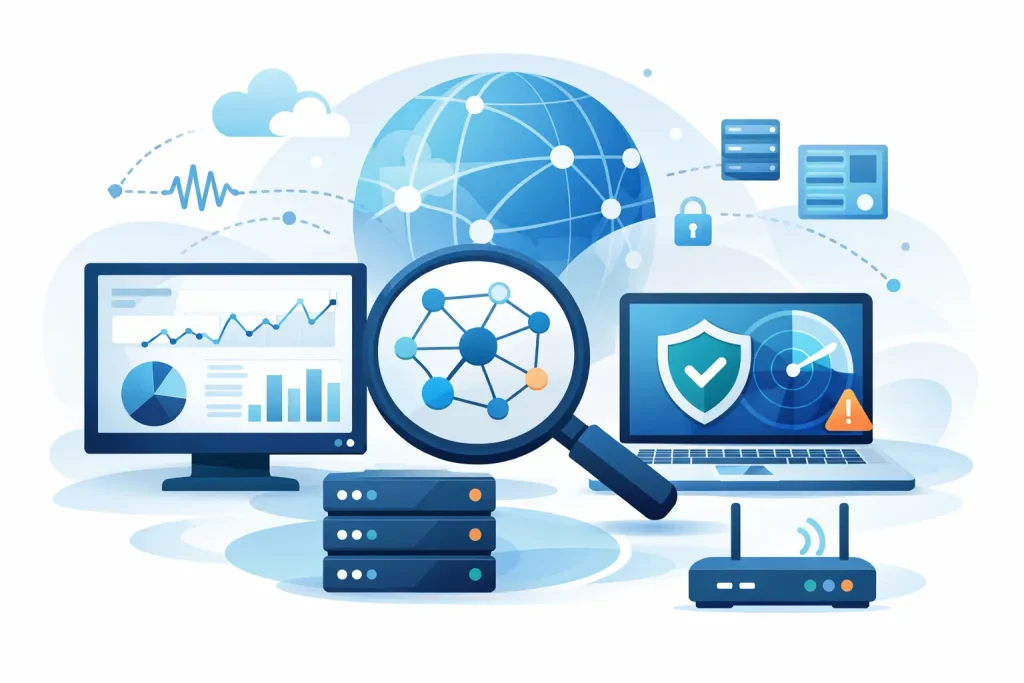
A slow file server, an intermittent internet connection or a switch beginning to fail rarely announces itself at a convenient time. For a growing business, the best tools for network monitoring provide early warning before a minor technical issue becomes lost productivity, missed calls or a wider service interruption.
Monitoring is not simply about displaying green and red status indicators. It should give an IT team or managed service provider enough context to identify what has changed, understand the effect on users and act quickly. The right choice depends on the size and complexity of the estate, the level of in-house technical resource and whether monitoring needs to cover cloud services as well as on-site equipment.
What business network monitoring should achieve
A useful platform should monitor the components that keep daily operations running: firewalls, switches, wireless access points, servers, internet circuits, printers, virtual machines and key business applications. It should track availability, performance and capacity rather than only confirming that a device responds to a basic network check.
For example, a firewall may be online while its internet connection is saturated, or a server may be reachable while disk space is close to full. Meaningful monitoring identifies these conditions early and directs attention to the affected service.
Alerts also need careful configuration. Too many low-value notifications lead to alert fatigue, where genuine incidents are missed among routine messages. Too few alerts leave issues undiscovered until users report them. A good monitoring implementation sets sensible thresholds, escalates critical events and reviews recurring warnings to find the underlying cause.
How to assess the best tools for network monitoring
Product features matter, but operational fit matters more. A platform that is powerful but difficult to maintain may not be the right answer for a small or mid-sized organisation. Before selecting a tool, consider whether it can discover the existing network accurately, support the equipment already in use and provide clear reporting for both technical staff and management.
Look closely at deployment and support requirements. Some products are installed on local infrastructure, while others are delivered as cloud-based services. Local deployment can suit organisations with strict data or connectivity requirements, but it introduces responsibility for maintaining the monitoring platform itself. Cloud platforms reduce that administrative burden, although they rely on secure agents, collectors or remote access arrangements.
The following capabilities are usually worth prioritising:
- Device discovery and clear network mapping, so the monitored estate remains current as equipment changes.
- Customisable alerts that distinguish between a warning, a service-impacting fault and planned maintenance.
- Performance and capacity data that helps identify recurring bottlenecks rather than merely reacting to outages.
- Reporting that demonstrates availability, recurring incidents and infrastructure trends in terms a business can use.
- Role-based access, secure authentication and audit information, particularly where an external IT partner is involved.
Leading network monitoring tools for business use
PRTG Network Monitor
PRTG is widely used by organisations that want broad monitoring coverage from a single product. Its sensor-based approach can monitor infrastructure health, bandwidth, virtual environments, servers, applications and environmental devices. Dashboards and network maps are useful for visualising dependencies, while flexible alerting supports a range of escalation rules.
Its main advantage is range. A business with a mixed estate can monitor many different systems without deploying separate products for every task. The trade-off is licensing and configuration: sensor counts need to be planned carefully, and an inexperienced administrator can create an overly noisy monitoring environment. PRTG is often a strong fit where there is a defined monitoring scope and competent technical oversight.
Auvik
Auvik is a cloud-managed network monitoring and management platform with a particular focus on network devices. It automatically discovers equipment, maintains topology maps and provides useful visibility into traffic flows, configuration changes and device status. For distributed sites or organisations relying on outsourced IT support, this can make troubleshooting considerably faster.
The platform is especially practical for managing switches, routers, firewalls and wireless infrastructure across several locations. Automated configuration backups are valuable when investigating an unexpected change or recovering from a failed device. It is less suited to organisations seeking deep server and application monitoring from the same tool, so it may need to sit alongside other monitoring services.
ManageEngine OpManager
ManageEngine OpManager provides comprehensive network and infrastructure monitoring with options that can suit businesses as they grow. It covers devices, servers, virtual systems and storage, with dashboards, alarms and reporting available through an on-premises deployment.
The strength of OpManager is its breadth and the wider ManageEngine ecosystem, which can be helpful where service desk, endpoint or log management tools are also required. However, the interface and product options can feel more complex than a business with a small estate needs. It is best assessed as part of a wider IT management plan rather than selected solely for one immediate network issue.
SolarWinds Network Performance Monitor
SolarWinds Network Performance Monitor is designed for detailed visibility across larger and more complex networks. It supports device discovery, fault monitoring, performance analysis and network mapping. Its analysis tools can help technical teams trace persistent performance problems across multiple network paths and dependencies.
For organisations with substantial on-site infrastructure, multiple locations or a dedicated internal IT function, this depth can be valuable. The product may be more than a smaller organisation requires, particularly when the priority is a straightforward, managed alerting service. It also requires disciplined administration, patching and secure access controls, as any infrastructure management system should.
Zabbix
Zabbix is an open-source monitoring platform that can provide extensive flexibility without conventional licence fees. It can monitor network equipment, servers, services and cloud resources, and it supports custom templates, triggers and dashboards. For businesses with skilled IT teams, it can be tailored closely to a specific environment.
The lower software cost should not be mistaken for a lower total cost. Zabbix requires design, deployment, maintenance and ongoing tuning. Documentation and community support are available, but there is no simple substitute for experienced administration when alerts or integrations need attention. It is a sensible option for technically capable organisations, but less appropriate where dependable day-to-day support is the priority.
LogicMonitor
LogicMonitor is a cloud-based observability platform that combines infrastructure monitoring with strong support for hybrid and cloud environments. It can be particularly useful for businesses that operate a mix of on-site systems, Microsoft cloud services, virtual machines and hosted applications.
Its automated discovery and broad integrations reduce some of the effort involved in maintaining visibility as infrastructure evolves. The commercial model and feature set can be better suited to organisations with a sizeable or changing estate than to a very small, static network. A clear inventory and monitoring requirement should guide any evaluation.
Monitoring needs a response process
Even the best platform cannot protect business continuity if nobody owns the alerts. Each critical notification should have a named response path: who investigates it, what is checked first, when it is escalated and how affected users are informed. This is particularly important outside normal working hours, when a warning can otherwise remain unresolved until the next business day.
Monitoring data should also inform planned maintenance. Repeated high bandwidth use may justify a circuit upgrade or traffic prioritisation. Rising storage consumption can trigger capacity planning before backups fail. Frequent wireless issues in one area may point to interference, access point placement or an ageing device rather than a user problem.
For many small and mid-sized organisations, the most effective arrangement is a properly configured monitoring platform overseen by an accountable IT partner. This combines continuous visibility with experienced interpretation, patching and incident response. Cyan IT can help businesses assess their infrastructure, select proportionate monitoring and turn alerts into practical action.
The useful next step is not to purchase the platform with the longest feature list. Start with the services your organisation cannot afford to lose, define what healthy performance looks like and ensure that every critical alert leads to a timely, documented response.