
A compromised Microsoft 365 account can give an attacker far more than access to one inbox. It may expose supplier invoices, customer records, password reset messages and internal conversations. This is why the question of whether businesses need MFA is not merely a technical question. It is a practical question of whether a stolen password should be enough to interrupt operations, cause financial loss or expose sensitive information.
Multi-factor authentication, usually shortened to MFA, adds another check before a user can access an account or system. It is one of the most effective security controls available to small and mid-sized organisations because it addresses a common reality: passwords are frequently reused, guessed, phished or disclosed.
Why do businesses need MFA to protect accounts?
A password proves only that someone knows a string of characters. It does not prove they are the authorised employee. If that password has been obtained through a phishing email, a fake login page, malware or a previous data breach, an attacker may be able to sign in from anywhere.
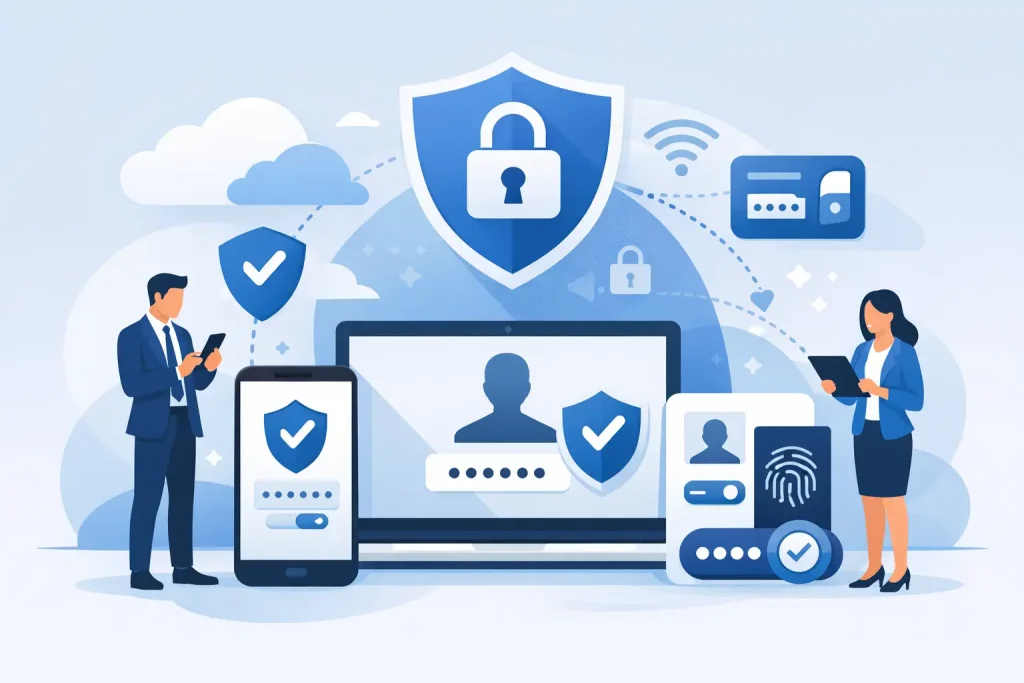
MFA requires an additional factor. This might be a prompt in an authenticator app, a time-based code, a hardware security key or a biometric check on a managed device. Even if a criminal has the password, they should be unable to complete the sign-in without that second factor.
For most businesses, the highest-risk accounts are not limited to IT administrators. Finance teams approve payments. Directors receive confidential correspondence. Sales staff hold customer data. Office managers may control supplier accounts, licences and shared systems. A single compromised user account can become the starting point for invoice fraud, data theft, ransomware or further access across the network.
MFA limits that opportunity. It does not make a business immune to attack, but it raises the barrier significantly and gives the organisation a better chance to detect and stop an attempted intrusion.
The business impact of a stolen password
Password-related incidents are often treated as an IT issue until they affect a payment, a customer relationship or the ability to work. In practice, the consequences reach well beyond the service desk.
An attacker who accesses an email account may monitor conversations before impersonating a trusted contact. They may send a convincing request to change bank details, distribute malicious files from a legitimate address or use password reset emails to access other platforms. If the account belongs to an administrator, the potential impact is greater still.
Downtime is also a material concern. Recovering a compromised account can involve disabling users, reviewing sign-in activity, resetting credentials, checking mail forwarding rules and investigating what data was accessed. Where the incident has spread to shared systems, the disruption can affect the entire organisation.
For organisations that handle personal data, commercial information or regulated records, there may also be legal and contractual obligations to consider. MFA is not a substitute for broader security governance, but it is a proportionate control that supports the protection expected by customers, insurers and regulators.
MFA supports continuity, not just compliance
Many firms introduce MFA because a software supplier, cyber insurer or customer questionnaire requires it. That is understandable, but compliance should not be the only reason for deployment.
The more direct benefit is continuity. Employees need dependable access to email, files, cloud applications and line-of-business systems. MFA helps keep unauthorised users out without preventing legitimate staff from working, provided it is configured and supported properly.
For a business without a large internal IT team, this matters. Security measures that create unnecessary friction will be bypassed, resisted or poorly managed. The aim is not to make access difficult. It is to make unauthorised access difficult while giving staff a clear, repeatable way to verify themselves.
A well-managed MFA rollout includes sensible enrolment, documented recovery processes and support for employees who replace a mobile phone or lose access to their authenticator. It should also account for shared devices, remote workers, travelling staff and service accounts that cannot use an interactive prompt.
Not all MFA methods offer the same protection
Any additional factor is usually better than password-only access, but the method matters. Text-message codes can be useful where other options are not viable, yet they are more exposed to SIM-swapping and interception risks than authenticator apps or hardware keys.
Authenticator apps are a common, practical choice for many organisations. They generate short-lived codes or provide approval prompts, are straightforward to deploy and do not rely on a mobile signal. Number matching can reduce the risk of users approving an unexpected prompt without checking it.
For accounts with elevated privileges or access to highly sensitive data, hardware security keys and phishing-resistant authentication provide stronger protection. These methods can verify that the user is signing in to the genuine service rather than a convincing fraudulent website.
The right approach depends on the systems in use, the sensitivity of the data and how employees work. A small office using cloud email and accounting software will have different requirements from a firm with field engineers, legacy applications and multiple administrative platforms. The important point is to choose deliberately rather than accepting the weakest available option by default.
Where MFA should be applied first
MFA should cover all cloud services that contain business data or provide a route into other systems. Email and collaboration platforms should be an early priority because they are commonly used for password resets and are central to daily communication.
Remote access tools, virtual private networks, cloud storage, finance platforms, customer relationship management systems and administrator accounts also require careful attention. Privileged accounts deserve particularly strict controls, including separate administrative accounts where appropriate. An employee should not routinely browse email or open attachments while signed in with an account that can change security settings across the business.
It is equally important to identify accounts that are easy to overlook. Shared mailboxes, third-party support portals, domain management accounts, backup consoles and software-as-a-service applications may each hold enough access to create a serious problem. A clear inventory of systems and account owners makes MFA deployment more complete and easier to maintain.
MFA is effective, but it is not a complete security strategy
MFA can be defeated in some circumstances. Attackers may use sophisticated phishing techniques that capture session tokens, pressure users into approving repeated prompts or exploit poorly secured recovery processes. A staff member can also be persuaded to disclose a code over the phone if they believe they are dealing with a legitimate supplier or colleague.
That is why MFA works best alongside other controls. Conditional access policies can restrict unusual sign-ins. Endpoint protection can identify malicious activity on devices. Regular patching reduces known vulnerabilities. Email filtering and user awareness training help reduce phishing exposure. Backups and incident response arrangements help the business recover if prevention fails.
These controls should be proportionate. Smaller organisations do not need needless complexity, but they do need visibility, ownership and a defined response when something unusual occurs. An MFA alert at 2am should not be ignored simply because nobody knows who is responsible for investigating it.
How to introduce MFA without disrupting staff
A staged rollout is usually safer than switching every account at once. Begin with administrators and high-risk systems, then move to email, cloud applications and remaining users. This allows the business to resolve compatibility issues and refine communications before the change affects everyone.
Employees need a simple explanation: MFA protects the organisation and their own accounts from misuse. They should know what a legitimate prompt looks like, when they should deny a request and who to contact if they receive an unexpected authentication notification.
Recovery must be planned before enforcement begins. Establish a controlled process for new mobile phones, lost devices and unavailable staff. Keep emergency access accounts tightly protected, monitored and separate from ordinary daily use. Avoid creating informal workarounds that undermine the security MFA was introduced to provide.
Ongoing management is just as important as the initial deployment. Review inactive accounts, remove access when staff leave, check that new systems are included in the MFA standard and investigate suspicious sign-in patterns. Security is maintained through routine operational discipline, not a one-off project.
MFA is one of the clearest ways to reduce the chance that a single stolen password becomes a business-wide incident. When it is selected carefully, supported properly and combined with sensible security management, it protects access without placing an unreasonable burden on staff. The next useful step is to identify which accounts could cause the greatest disruption if they were compromised, then ensure those accounts are no longer protected by a password alone.