
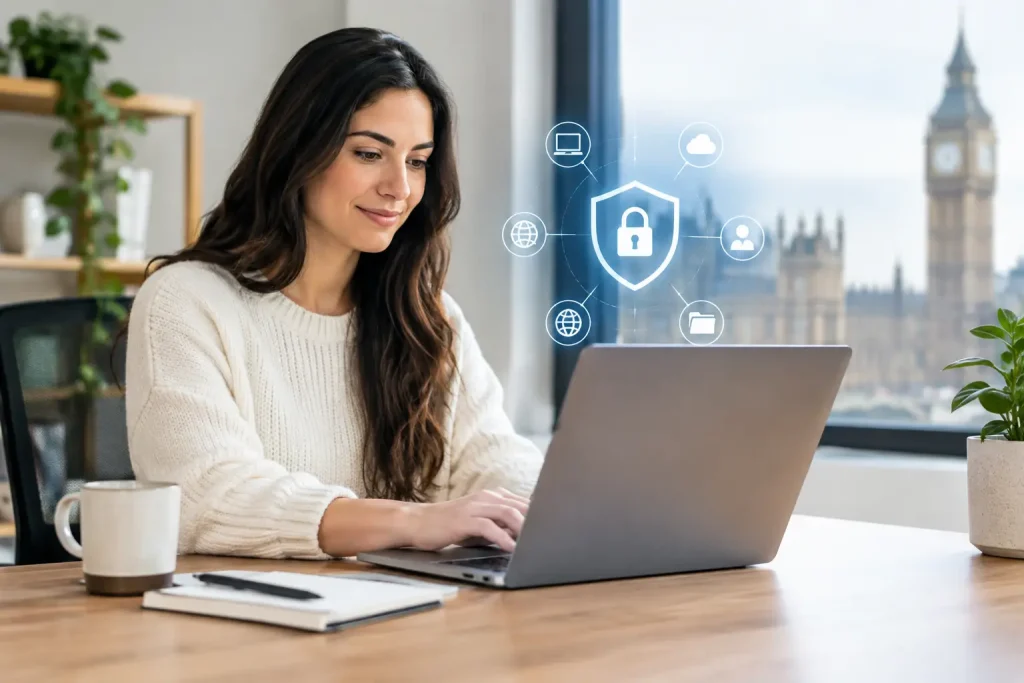
A staff member working from a kitchen table can access the same customer records, finance systems and cloud files as someone in the office. That convenience is valuable, but it also changes the security boundary. This secure remote working guide sets out the practical controls small and mid-sized businesses need to protect systems, support staff and maintain continuity without making everyday work unnecessarily difficult.
Remote working is not a single technology decision. It is a combination of people, devices, identities, networks and business processes. A weak point in any one of those areas can create an opening for fraud, data loss or operational disruption.
Start with the risks that affect your business
The right level of security depends on what staff access and the consequences if that access is compromised. A team handling sensitive client information, payment details or regulated records needs tighter controls than a business using remote access mainly for email and shared documents. However, every organisation should assume that passwords will be targeted, devices can be lost and staff will occasionally receive convincing fraudulent messages.
Begin by identifying which systems remote staff use, what information they can reach and whether access is genuinely required away from the office. This exercise often exposes old accounts, broad permissions and unmanaged applications that have accumulated over time.
Do not treat home working as an informal extension of the office. Record who is responsible for approving access, issuing equipment, responding to lost devices and removing access when someone changes role or leaves. Clear ownership prevents small oversights becoming security incidents.
Secure remote working guide: protect identity first
Most successful attacks do not begin with sophisticated technical intrusion. They begin with a stolen password, a reused password or an employee persuaded to approve a fraudulent sign-in request. Identity security should therefore be the first control considered.
Require multi-factor authentication for email, cloud platforms, remote access tools and administrator accounts. A password alone is not sufficient protection for a business system. Authentication apps or hardware security keys are generally preferable to text-message codes, particularly for accounts with elevated privileges.
Staff should use long, unique passwords stored in an approved password manager. The objective is not to make people memorise complex strings. It is to remove password reuse and make secure habits workable. Shared accounts should be avoided wherever possible because they weaken accountability and make leaver processes harder to manage.
Access should follow the principle of least privilege. Employees need access to the systems and folders required for their role, not unrestricted access because it is convenient. Review permissions regularly, especially after departmental changes, temporary projects and staff departures. Administrator rights should be tightly controlled and used only when necessary.
Treat email as a high-risk business system
Email remains the main route for phishing, invoice fraud and account takeover. Configure anti-phishing and spam controls, but do not assume filtering will catch every message. Staff need clear guidance on checking unexpected payment requests, password reset emails, file-sharing notifications and changes to supplier bank details.
For financial changes, use an independent verification process. If an email asks for a new bank account or urgent payment, confirm it using a trusted telephone number already held by the business. Do not reply to the email or use contact details supplied in the message.
Standardise the devices people use
A managed company laptop provides more control than a personal device. It can be encrypted, updated, monitored and remotely wiped if it is lost or stolen. For most organisations, providing supported business devices for employees who regularly work remotely is the safer and more supportable approach.
Every authorised device should have full-disk encryption, a supported operating system, automatic security updates, anti-malware protection and a screen lock that activates quickly. Staff should not be able to delay critical updates indefinitely. Unpatched software remains one of the most avoidable sources of risk.
Bring-your-own-device arrangements can work in limited circumstances, but they require careful boundaries. Personal devices are harder to manage, may be shared with family members and can complicate data removal when employment ends. If personal devices must be used, restrict them to lower-risk activities where possible and apply mobile device management controls before granting access to business email or files.
Avoid local storage of sensitive information unless there is a clear operational reason. Approved cloud platforms with proper access controls are usually easier to protect, back up and audit than files saved across individual laptops. Where local copies are unavoidable, encryption and secure backup arrangements are essential.
Make home networks safer without overcomplicating them
A home broadband connection is outside the direct control of the business, but staff can still take sensible precautions. Home router firmware should be kept current, default administrator passwords must be changed and wireless networks should use modern encryption with a strong, unique passphrase.
Employees should avoid working through public Wi-Fi where possible. Cafés, stations and hotels are not suitable places to handle confidential information without appropriate protection. If remote access is required from untrusted networks, use a properly configured virtual private network or a secure access solution selected and maintained by the business.
A VPN is useful, but it is not a complete security strategy. It does not compensate for a compromised laptop, weak authentication or excessive permissions. Its value depends on the systems being accessed, the way it is configured and whether it is monitored and maintained.
Staff should also think about physical privacy. A screen visible to visitors, a confidential call taken in a shared space or a printed document left at home can all create problems. Privacy screens, secure storage and clear expectations about confidential conversations are modest measures that reduce avoidable exposure.
Build secure ways of sharing data and collaborating
Remote teams need straightforward ways to share documents, communicate and collaborate. If approved tools are difficult to use, staff will find workarounds, often using personal email, consumer file-sharing accounts or unapproved messaging services. That creates fragmented records and removes organisational control over sensitive information.
Define the approved platforms for documents, video meetings, chat and file transfer. Configure sharing settings so that links do not grant wider access than intended, and limit external sharing to people who genuinely need it. Review guest access periodically, particularly after a project ends.
Sensitive documents should be classified according to their impact if disclosed or altered. A simple scheme can be enough: public, internal, confidential and restricted. The purpose is to give staff practical direction on where information may be stored, who may receive it and whether it can be printed or downloaded.
Backups also matter in a remote environment. Cloud services may provide recovery features, but these are not always a substitute for an independent backup plan. Test whether key files, systems and configurations can be restored within an acceptable timeframe. A backup that has never been tested is an assumption, not a recovery capability.
Prepare staff to recognise and report incidents
Security awareness is not a one-off induction slide deck. Threats change, and busy people forget procedures unless they are reinforced. Training should use realistic examples relevant to the organisation, including phishing emails, fraudulent support calls, suspicious file-sharing requests and accidental data disclosure.
Employees must know what to do when something goes wrong. They should report a lost device, unusual sign-in prompt, suspected phishing message or accidental data share immediately, without worrying that they will be blamed for raising a concern. Fast reporting gives IT support a better chance to contain an issue before it spreads.
Create a short, accessible incident procedure covering who to contact, how to preserve evidence and what not to do. For example, a user who suspects their account has been compromised should contact support through a known route rather than continuing to interact with suspicious messages.
Maintain oversight and test your arrangements
Remote security controls need ongoing review. Monitor sign-in activity, endpoint status, failed authentication attempts and alerts from security tools. Look for patterns such as access from unexpected locations, repeated password failures or devices that have not checked in for updates.
Regular testing is equally valuable. Run a phishing simulation where appropriate, test account recovery processes and review what happens if a laptop is lost. For organisations with critical systems, rehearse how the business would continue if remote access or email became unavailable for a day.
A managed IT partner can provide practical oversight where internal resources are limited. Cyan IT supports businesses that need security controls, device management and user support to operate as part of a dependable day-to-day service rather than as separate, reactive tasks.
The objective is not to make remote work restrictive. It is to make secure behaviour the easiest available option, so staff can work effectively while the business retains control of its data, systems and ability to respond when something unexpected happens.