
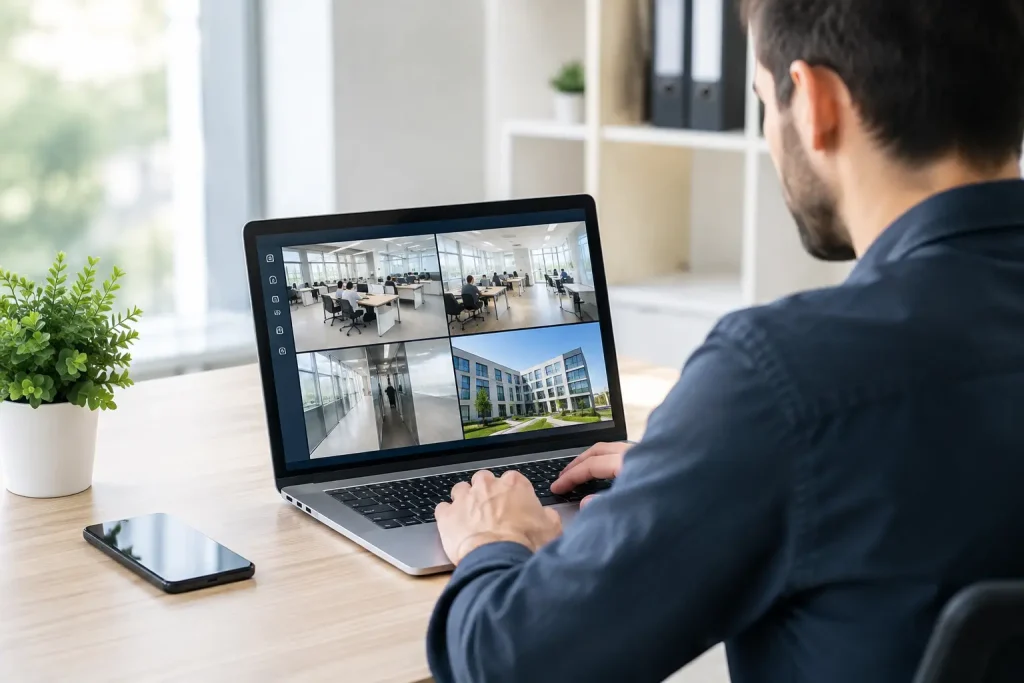
A workstation can fail quietly for days before anyone reports it. A backup can stop completing without affecting daily work, right up to the point it is needed. An expired certificate, full disk or missed security update can create the same problem: avoidable disruption discovered too late. The best remote monitoring software businesses deploy gives IT teams early warning and the practical means to act before a small fault becomes an operational incident.
For small and mid-sized organisations, this is not simply a question of buying a dashboard. The right platform supports dependable IT operations across laptops, servers, network devices and remote users. The wrong one adds alerts without context, creates gaps in coverage or requires more specialist administration than the business can sustain.
What remote monitoring software should do
Remote monitoring and management software, usually called RMM, allows an IT team or managed service provider to view device health and manage systems without being physically present. It collects information from installed agents or network monitoring tools, then raises alerts when defined conditions are met.
At a basic level, an effective RMM platform should show whether devices are online, whether storage is running low, whether antivirus and patching are current, and whether key services are working. More capable systems also provide remote access, automated maintenance, scripting, asset inventories, reporting and integration with service desk systems.
The value is in turning this information into controlled action. An alert that a server drive has reached 90 per cent capacity matters only if somebody is responsible for checking the cause, expanding storage or clearing an issue safely. Monitoring is therefore most useful when it sits within a defined support process, with clear escalation and accountability.
It is also worth separating RMM from employee surveillance software. Business IT monitoring should focus on the health, security and availability of company systems. It should not be introduced as a substitute for sensible management or clear workplace policies.
Best remote monitoring software businesses should consider
There is no single best platform for every organisation. Suitability depends on the number and type of endpoints, the complexity of the network, internal IT capability, compliance needs and whether support is delivered in-house or by a managed provider. The following options are widely used in business IT environments for different reasons.
NinjaOne
NinjaOne is often a strong fit for organisations and support providers that want a clean, accessible RMM platform with endpoint management at its centre. It is known for device visibility, patch management, remote control, alerting and automation features that do not require a highly complex interface to operate.
For a growing business, its main attraction is operational clarity. IT administrators can standardise policies across devices and identify exceptions without manually checking every machine. It can be especially suitable where user devices are distributed across offices, homes and field locations.
The trade-off is that precise costs and the most suitable configuration generally depend on the service model and endpoint count. A demonstration should test the reporting, patching policies and alert workflow that matter to your organisation, rather than relying on a generic feature list.
N-able N-central and N-sight RMM
N-able offers two established platforms aimed at different levels of operational complexity. N-sight RMM is generally suited to straightforward endpoint monitoring and remote support, while N-central offers deeper customisation and more extensive monitoring for larger or more technically varied estates.
This range can make N-able a sensible option for businesses working with an experienced managed service provider. It supports proactive monitoring of servers, workstations and network equipment, with automation to handle recurring administration. The more advanced platform can be valuable where bespoke monitoring thresholds and mature service processes are required.
However, greater capability brings a higher configuration burden. If alerts are not carefully tuned, teams may receive too much noise and miss issues that genuinely require attention. A provider should explain how it will set thresholds, review alerts and evidence that routine maintenance is taking place.
Datto RMM
Datto RMM is designed around remote monitoring, automation and patch management, with a strong focus on managed IT service delivery. It is commonly considered where a business wants its support partner to maintain a large number of endpoints consistently and apply repeatable policies.
Its automation capability can reduce manual work, particularly for maintenance tasks such as clearing temporary files, checking services and deploying approved updates. That consistency is useful for organisations with several sites or a mix of office-based and remote staff.
As with any cloud-managed platform, organisations should ask how access is controlled. Multi-factor authentication, least-privilege permissions, audit records and a documented offboarding process are not optional details. They are part of the security model.
Atera and Syncro
Atera and Syncro combine RMM functions with professional services automation features such as ticketing, billing and customer records. They are commonly used by smaller IT service providers, but can also be relevant to organisations with a small internal IT function seeking a single operational system.
The appeal is simplicity: support tickets, device monitoring and routine work can be managed from fewer systems. This can reduce administrative friction, particularly for a lean team. The limitation is that organisations with complex infrastructure or highly specific monitoring requirements may prefer a specialist platform with deeper configuration options.
ManageEngine Endpoint Central
ManageEngine Endpoint Central is primarily focused on endpoint management, patching, software deployment and device control. It can be a strong choice for organisations that want more direct control over their fleet of Windows, macOS, Linux and mobile devices, particularly where internal administrators are actively managing the environment.
It is worth considering when the priority is disciplined device administration rather than a managed service provider’s operational workflow. Its breadth can be useful, but it requires time to design policies properly and keep them aligned with business requirements.
How to assess remote monitoring software properly
A feature comparison alone will not show whether a platform will reduce downtime. Start with the systems that would cause the greatest disruption if they failed: servers, firewalls, backup appliances, line-of-business applications, Microsoft 365 services and devices used by senior or customer-facing staff.
Then establish what should be monitored. This may include disk capacity, processor and memory pressure, failed backups, device offline status, patch compliance, antivirus status, internet connection quality, certificate expiry and critical Windows services. The monitoring plan should reflect actual business risk, not every available metric.
Remote access also needs close scrutiny. Support staff should be able to assist users quickly, but access should be protected with multi-factor authentication, role-based permissions and session logging where appropriate. A tool that makes remote control easy but leaves privileged access poorly governed introduces a serious risk.
Ask how the platform handles patching. Automatic updates are useful, but they must be managed around business hours, compatibility requirements and reboot controls. Critical security patches may need rapid deployment, while other updates should be tested and scheduled to avoid interrupting important applications.
Reporting is another practical test. Business leaders do not need a monthly export of every alert. They need a clear view of device health, patching, backup status, security concerns, open risks and work completed. The best reports make decisions easier: whether to replace ageing devices, increase storage, address an unsupported operating system or improve resilience at a particular site.
Software alone does not provide continuity
Remote monitoring software can identify a failing backup job, but it cannot confirm that the backup will restore correctly unless restore testing is part of the process. It can report an unpatched laptop, but it cannot decide whether that device should be isolated, replaced or investigated following a security event.
That distinction matters for organisations that rely on external IT support. A managed IT partner should not merely install an agent and send alerts. It should maintain monitoring policies, investigate exceptions, document the estate, manage escalation and communicate risks in terms that business decision-makers can act on.
For businesses across London, Kent and the South East with limited internal IT capacity, this model can reduce the operational burden significantly. Cyan IT can combine proactive monitoring with support, infrastructure management and security oversight, giving organisations a clearer line of responsibility when something needs attention.
Before selecting a platform or provider, request examples of the alerts they monitor, the response times they commit to, their patching approach and the reports they will provide. The most useful choice is the one that gives your business evidence that systems are being looked after, not simply evidence that software has been installed.